Private Browsing on the Internet
PathConnect explains in this blog post how private browsing on the internet is possible, with exciting insider tips from a data protection officer. So you can always be safe and private online from now on.

The Issue with Cookies
We‘ve all seen the phrase “Accept All Cookies“ while browsing.
Most people confirm this annoying popup without reading in advance what data they’re releasing.
By accepting cookies, however, we give permission to analyze our browsing behavior and track us.

Tracking
According to a blog postby Startpage.de, approximately 87% of the most popular websites conduct digital tracking.
The cookies we accept every day during our internet searches are collected and resold by large corporations. No matter what we search for, whether it‘s harmless recipes, life advice in delicate situations, or financial questions. Everything is stored. From the many small bits of information, a very good overall picture can be created, as the experiment “Made to Measure“ demonstrates.
Cookie Monsters
This includes not just conventional search engines like Bing or Google, but also social media platforms like Instagram, Facebook, TikTok, and others. The trade in digital data has risen rapidly over the last 14 years and is more valuable than ever. Fortunately, there are several tools that can protect you from this!
The Right Search Engine
PathConnect uses Startpage for research and other search queries.
This search engine offers a privacy-friendly alternative to well-known services.
- Personal data and search history are not recorded
- IP address is removed from Startpage servers
- Blocks price trackers
- Prevents retargeting ads
- Completely unpersonalized search results that provide the same information to every user
Startpage also finances itself through advertising revenue, but these ads are not personalized and are simply displayed to match your current search.

DNS Server
Through the right DNS server, advertising content and tracking domains can be effectively blocked by preventing the connection from being established in the first place.
DNS servers like those from dnsforge have built-in filter lists that block certain domains.
To use the DNS server in Firefox, click on Settings - Connection Settings - Enable DNS over HTTPS - Custom and enter the following: https://dnsforge.de/dns-query

Browser Extensions
Startpage offers the “Startpage Privacy Protection“ extension, which gives you a detailed list of which cookies and trackers are used and blocked by the visited website. Additionally, a privacy assessment is created.
The browser extension “uBlock Origin“ is a “broadband blocker“ that blocks ads, trackers, and malware sites.
Privacy Badger blocks visible or invisible scripts and images used to track users.
These so-called “tracking pixels“ usually establish connections to social media platforms like Facebook and Instagram.

The Choice of Browser
Which browser we use today is a matter of taste and habit. Everyone knows common browsers like Chrome, Edge, or Firefox. At first glance, browsers differ in appearance.
However, there are significant differences when it comes to privacy during use.
We recommend the Firefox browser, which can be set up to be very privacy-friendly with just a few clicks.
A detailed report on this is available from Mike Kuketz:
https://www.kuketz-blog.de/mozilla-firefox-datensendeverhalten-desktop-version-browser-check-teil20/

Summary
With the right tools and settings, we can make private browsing on the internet possible.
Here are our recommendations for private browsing on the internet at a glance:
- Browser:
Firefox - Search Engine:
Startpage - DNS Server:
dns-forge - Browser Extensions:
Startpage Privacy Protection
uBlock Origin
Privacy Badger
Open Source Software at PathConnect
Simply select and get started. We customize the software exactly to your needs, take care of maintenance, and provide you with personal support. Our offering includes a variety of open source solutions that can be perfectly tailored to your requirements. Enjoy the comfort of an all-round service that includes installation, customization, and updates, allowing you to focus fully on your projects.
Related Articles
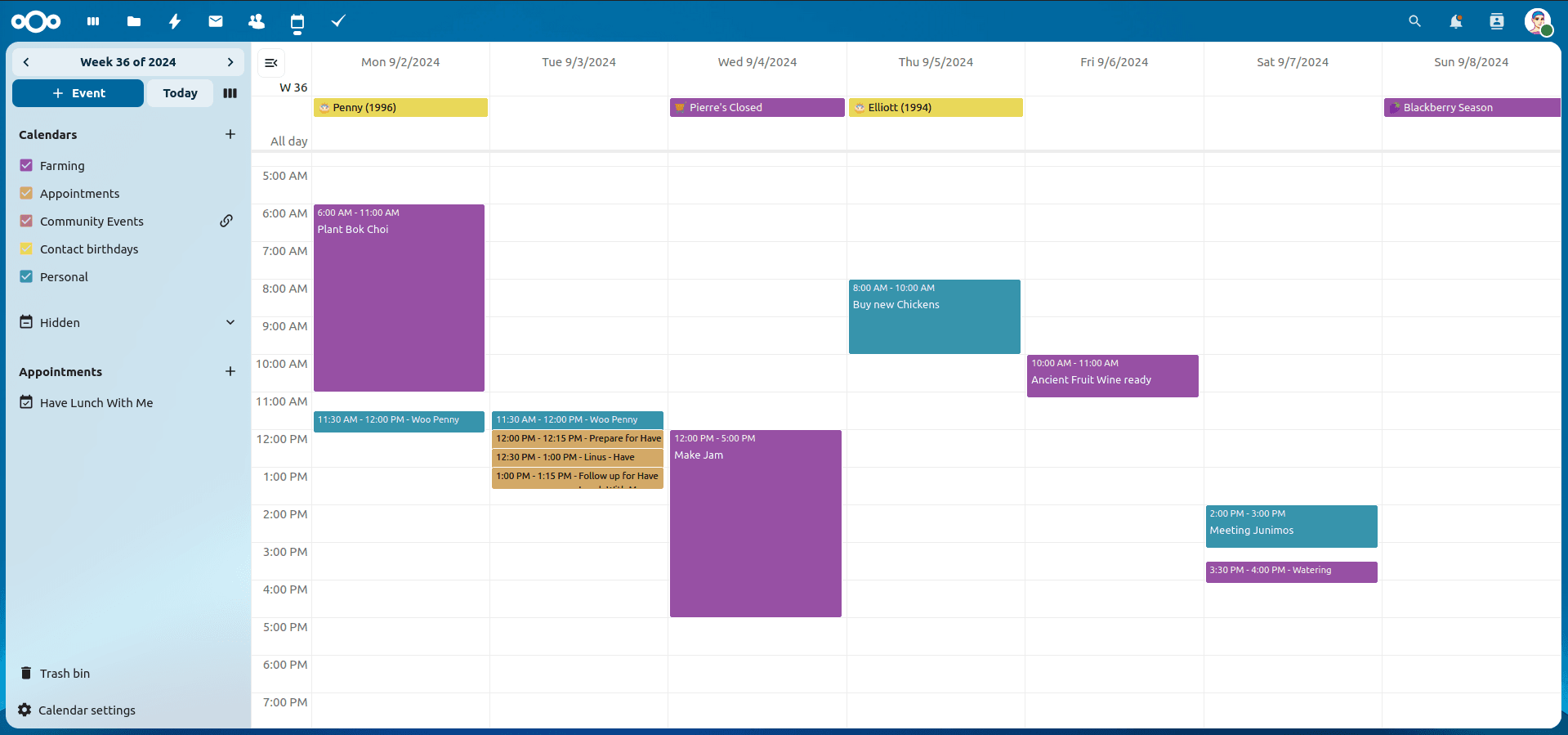
Nextcloud Kalender – Die wichtigsten Funktionen im Überblick
Der Nextcloud-Kalender ermöglicht dir eine einfache und datenschutzfreundliche Organisation von Terminen, Meetings und Ressourcen. Im Folgenden stellen wir dir die zentralen Funktionen vor, die deine tägliche Zusammenarbeit erleichtern.
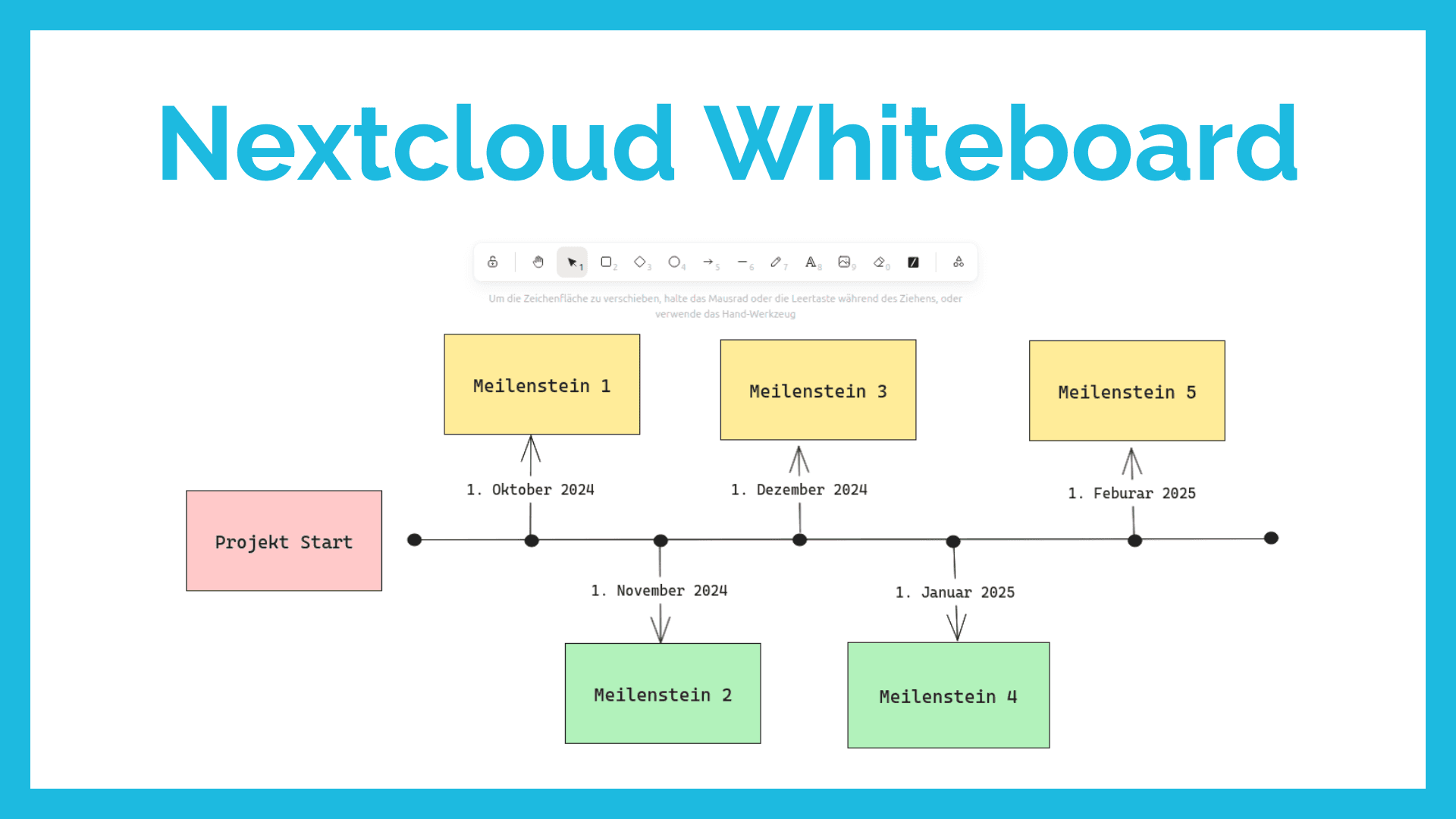
Nextcloud Whiteboard - Creative Work in the Cloud
Whether brainstorming in a team, sketching new ideas, or creating an overview - with Nextcloud Whiteboard you can work creatively in the cloud. This article introduces the app and shows its most important features.
Paperless-ngx: OAuth2 für Microsoft 365 einrichten
Paperless-ngx kann Anhänge aus E-Mail-Postfächern automatisch verarbeiten. Damit dies auch mit einem Microsoft 365 Konto funktioniert, müssen einige Einstellungen vorgenommen werden. In diesem Artikel zeigen wir, was zu tun ist, damit die Anbindung funktioniert.