Prime Mover – Easily Migrate WordPress
With the Prime Mover plugin, you can easily migrate your WordPress site to another host. In this article, we introduce the plugin and explain the individual steps of a WordPress migration.
Prime Mover
Prime Mover is a plugin that you can install in your WordPress instance. With this tool, you can back up your entire WordPress installation and restore it on a new system. Whether it‘s a single-site or multi-site instance, the export is simple. We’ll show you the process step by step.

Creating a Backup with Prime Mover
Before you begin, deactivate WordPress security plugins like Solid Security, AIO, or Wordfence to avoid complications.
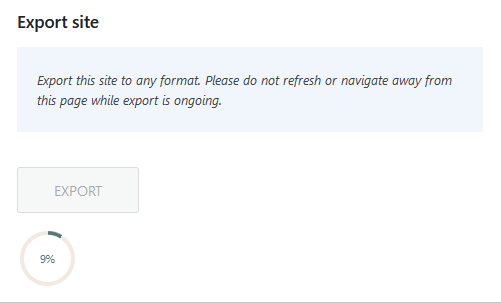
After you‘ve downloaded and installed the plugin in WordPress, you’ll find a new item called “Prime Mover“ in the left menu. Click here on “Go to Migration Tools“ and then on “Export“.
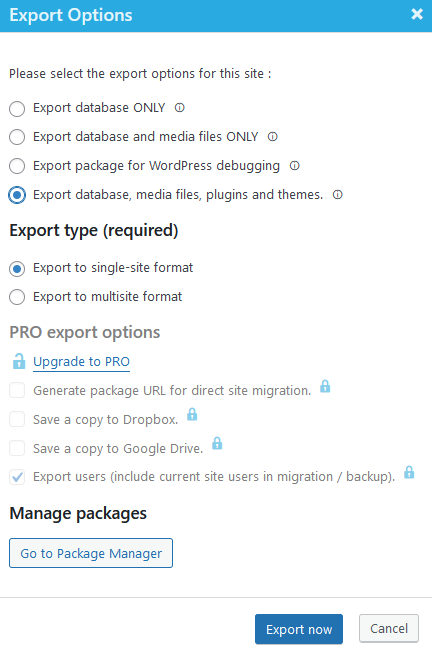
Several export options are offered. For a complete migration, select the last option with “Export database, media files, plugins and themes“. As an export type, you can choose between Single-Site and Multi-Site. For a normal migration to a new instance, select “Export to single-site format“.
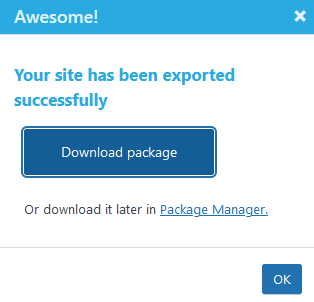
Once the export is successfully completed, you can start downloading the file.
Starting a New WordPress Instance
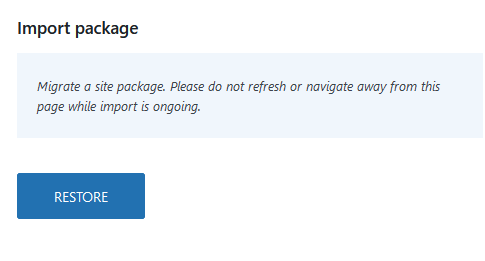
When you switch to a new hosting provider, you typically receive administrator access to a WordPress instance. Log in to the new instance and install the “Prime Mover“ plugin again. This time, click on “Go to Migration Tools“ – “RESTORE“.
Here, you select the export you just created and downloaded. The file will then be uploaded and the import will start. Once the import is successfully completed, Prime Mover offers to adjust the link structure if your website previously ran under a different address.
WordPress at PathConnect
We offer you fast and stable WordPress hosting. Whether for a blog, a website, or an online shop. The performance adapts to your requirements and the load on the site.
We handle the migration of the WordPress instance free of charge, and the Elementor Pro license, WordPress updates, and personal support for questions are also included in the service.
Related Articles
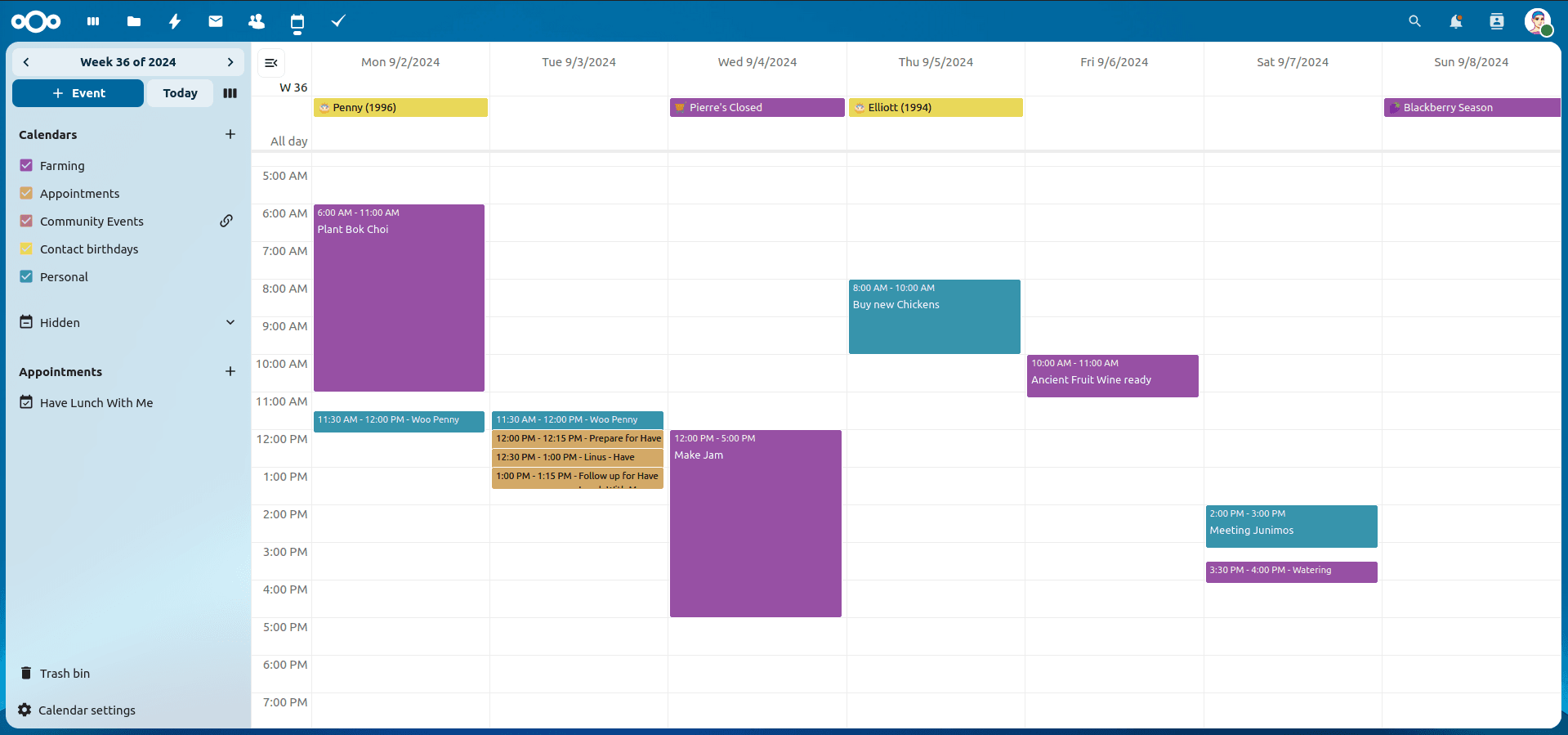
Nextcloud Kalender – Die wichtigsten Funktionen im Überblick
Der Nextcloud-Kalender ermöglicht dir eine einfache und datenschutzfreundliche Organisation von Terminen, Meetings und Ressourcen. Im Folgenden stellen wir dir die zentralen Funktionen vor, die deine tägliche Zusammenarbeit erleichtern.
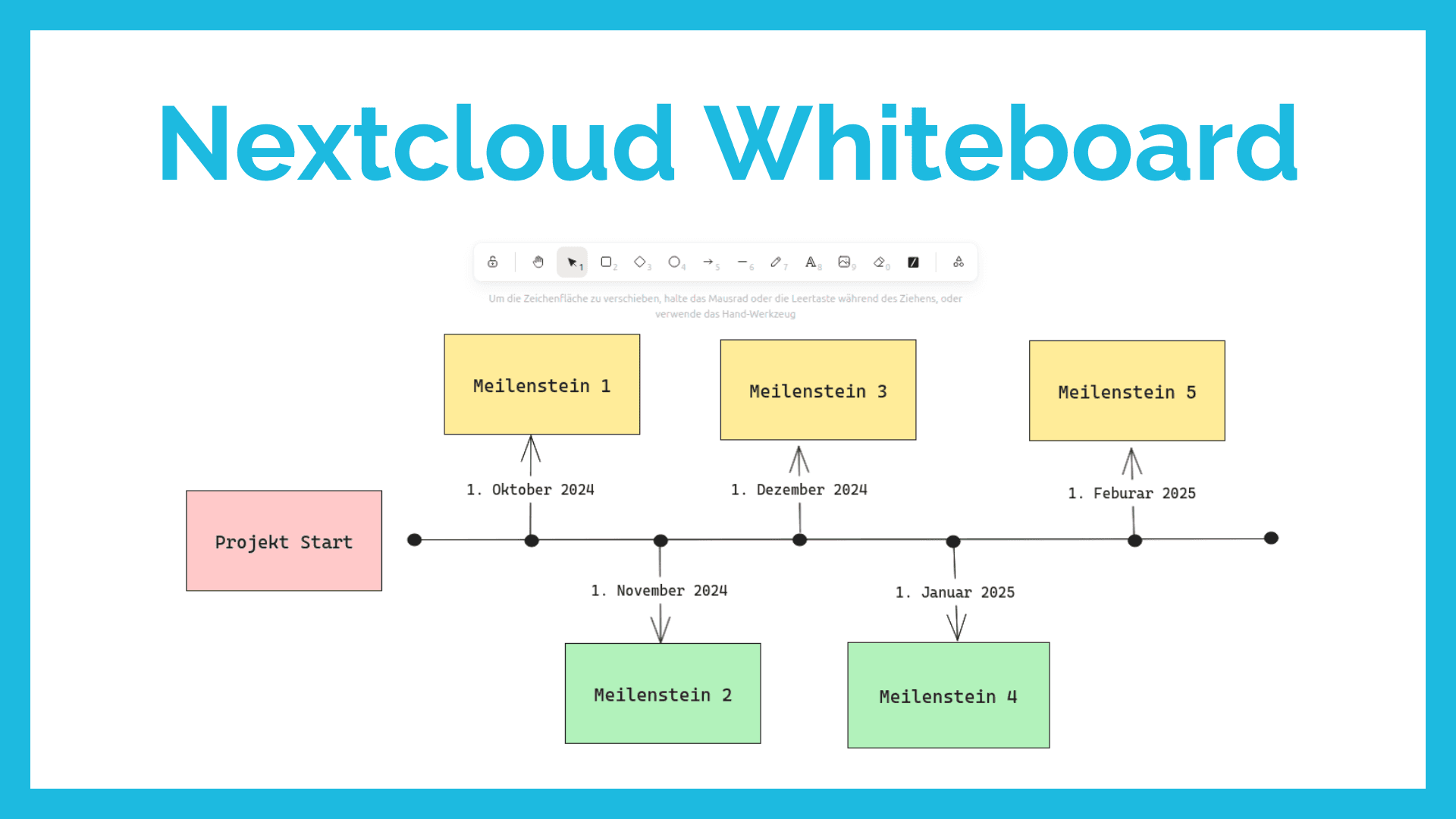
Nextcloud Whiteboard - Creative Work in the Cloud
Whether brainstorming in a team, sketching new ideas, or creating an overview - with Nextcloud Whiteboard you can work creatively in the cloud. This article introduces the app and shows its most important features.
Paperless-ngx: OAuth2 für Microsoft 365 einrichten
Paperless-ngx kann Anhänge aus E-Mail-Postfächern automatisch verarbeiten. Damit dies auch mit einem Microsoft 365 Konto funktioniert, müssen einige Einstellungen vorgenommen werden. In diesem Artikel zeigen wir, was zu tun ist, damit die Anbindung funktioniert.