Paperless-ngx
Paperless-ngx is an open source document management system that converts physical documents directly from the scanner into a searchable online archive. This article introduces the key features and the integration with Nextcloud.

Features
Adding Documents
Documents can be added directly from the scanner, from an email, or via the web interface. When integrated with Nextcloud, documents can also be added via a folder that is synchronized with your Nextcloud.
OCR: Searchable Documents
OCR stands for Optical Character Recognition and enables the search for words in documents. OCR is performed automatically when inserting documents into Paperless-ngx.
Insert Various Formats
In addition to PDF documents, images, text files, and Office documents can also be uploaded to Paperless-ngx.
Multi-User
Multiple users and groups can be created, allowing Paperless-ngx to be used by several people simultaneously.
Automatic Addition of Tags, Correspondents, and Document Types
- Document types are the general type of the document, e.g., a letter, a receipt, or an invoice.
- Correspondents are the people or institutions associated with this document. For an invoice, this could be the respective company.
- Tags can be used to add more detailed information. Who does it relate to? (e.g., a specific family member or a specific employee), what does it relate to (e.g., financing the new washing machine or the car repair), and when is the information relevant (e.g., taxes for 2023).


Integration with Nextcloud
The integration is about ensuring that the documents in Nextcloud and Paperless-ngx are identical. So it must be possible to access the same documents in both Paperless and Nextcloud.
If you have a Nextcloud with PathConnect, we install Paperless-ngx on the same (virtual) server where your Nextcloud is installed.
This allows the Paperless folders to be integrated into your Nextcloud as external storage.

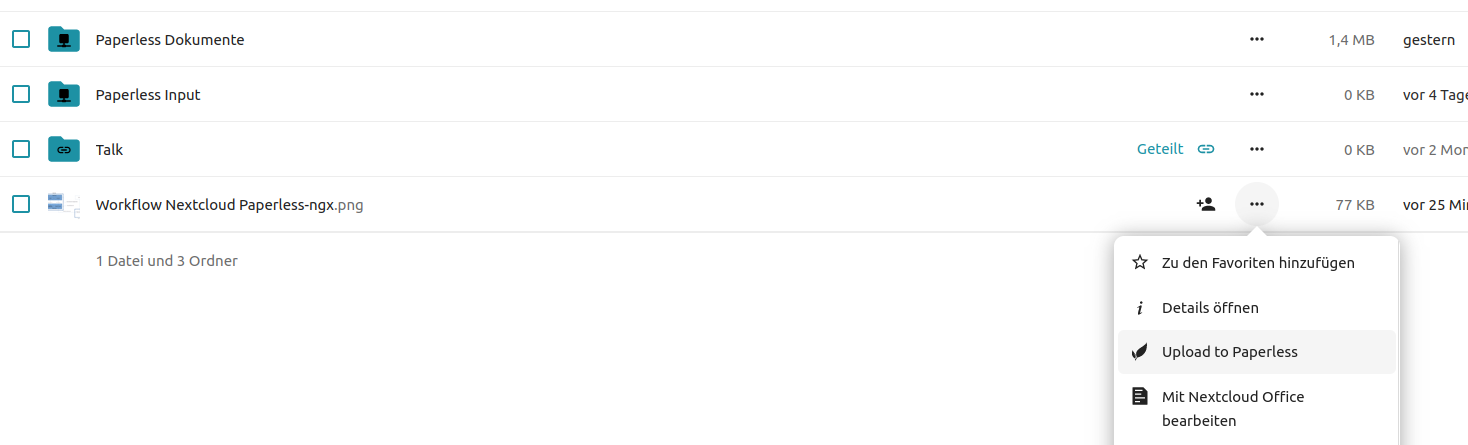
Additionally, you can install the “Paperless“ app in your Nextcloud to easily load individual files directly from Nextcloud into Paperless-ngx.
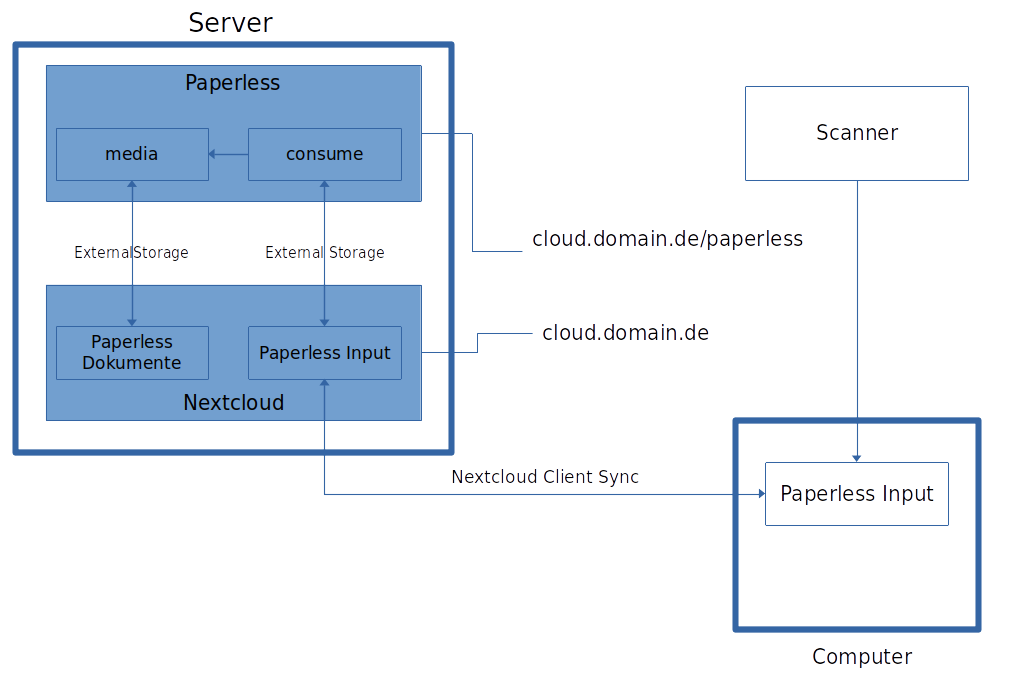
The scanner sends the document to a folder on your computer. This folder is synchronized with your Nextcloud. Paperless accesses this folder and processes the document. It is then stored in the media folder, which Nextcloud also has access to.
If you don‘t have your Nextcloud with PathConnect, an FTP connection must be set up instead of the local external storage.
Open Source Software at PathConnect
Simply select and get started. We customize the software exactly to your needs, take care of maintenance, and provide you with personal support. Our offering includes a variety of open source solutions that can be perfectly tailored to your requirements. Enjoy the comfort of an all-round service that includes installation, customization, and updates, allowing you to focus fully on your projects.
Related Articles
Nextcloud Kalender – Die wichtigsten Funktionen im Überblick
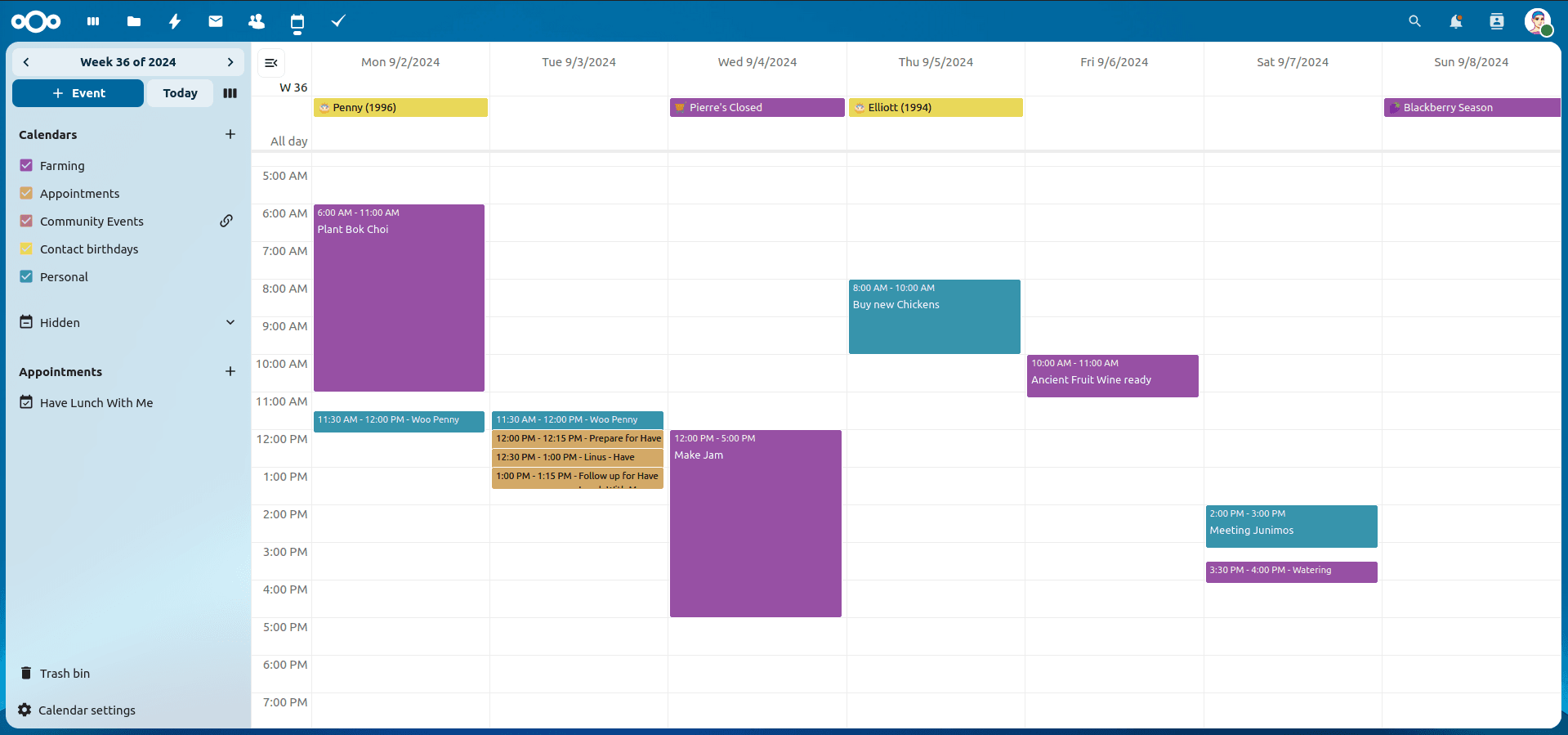
Der Nextcloud-Kalender ermöglicht dir eine einfache und datenschutzfreundliche Organisation von Terminen, Meetings und Ressourcen. Im Folgenden stellen wir dir die zentralen Funktionen vor, die deine tägliche Zusammenarbeit erleichtern.
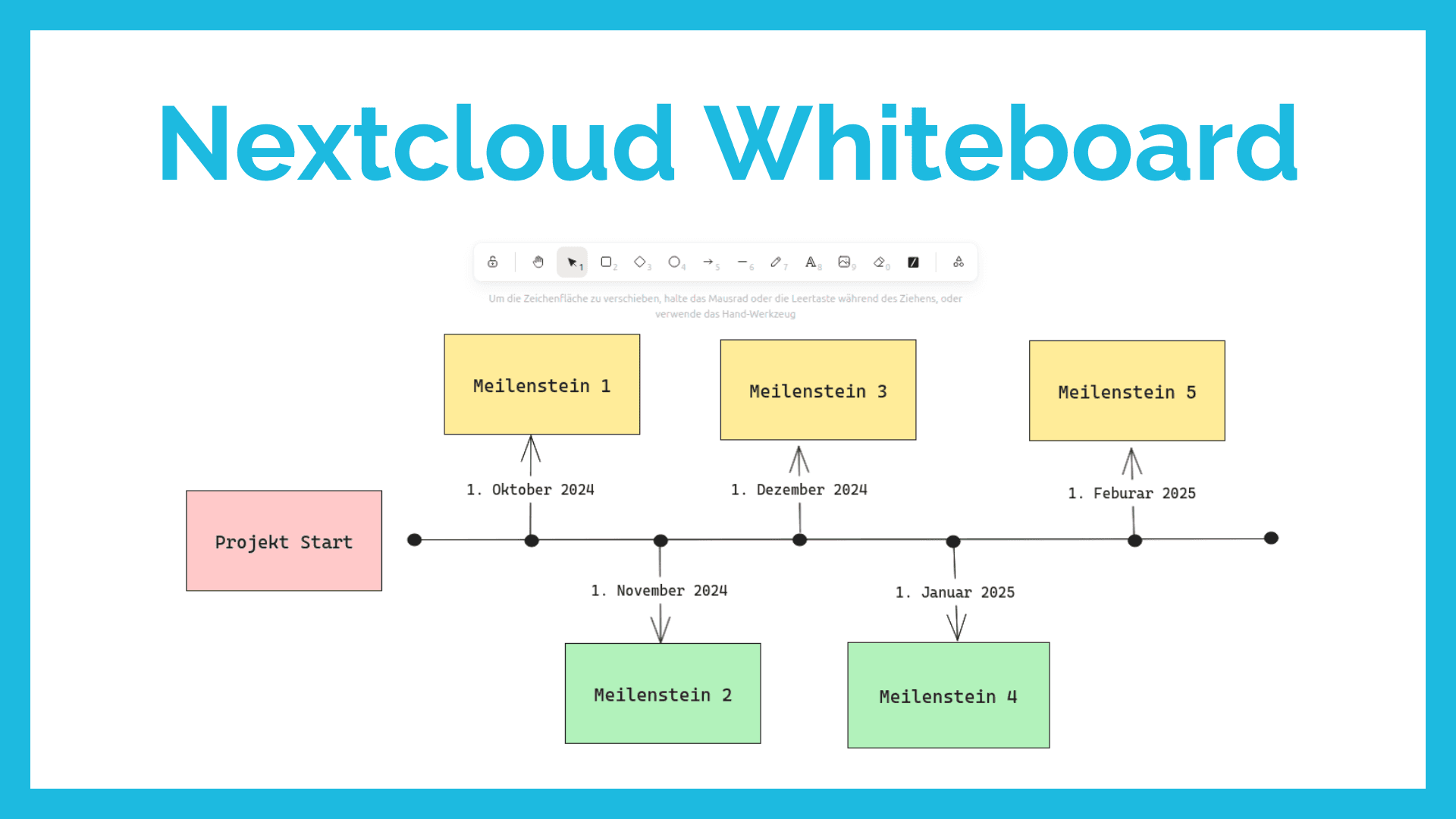
Nextcloud Whiteboard - Creative Work in the Cloud
Whether brainstorming in a team, sketching new ideas, or creating an overview - with Nextcloud Whiteboard you can work creatively in the cloud. This article introduces the app and shows its most important features.
Paperless-ngx: OAuth2 für Microsoft 365 einrichten
Paperless-ngx kann Anhänge aus E-Mail-Postfächern automatisch verarbeiten. Damit dies auch mit einem Microsoft 365 Konto funktioniert, müssen einige Einstellungen vorgenommen werden. In diesem Artikel zeigen wir, was zu tun ist, damit die Anbindung funktioniert.