OpenProject
With this open source project management software, companies and organizations can plan, implement, and control their projects. In this article, we briefly introduce OpenProject and go over the most important features.
Project Management
A project is a one-time process with a fixed time and budget framework. To achieve the goal, projects must be carefully planned and controlled. Project management software like OpenProject can be used to create a graphical schedule with work packages, milestones, and task assignments. Through collaborative use, each team member is informed about the current status and can react quickly to problems.
Features
OpenProject offers a variety of features that will be described in detail in future articles. The most important features are briefly outlined below.
Project Portfolio Management
Project lists and project hierarchies enable quick finding and structuring of ongoing projects. A dashboard can display all important metrics for the individual projects. Project templates can be created, and a cross-project view provides an overview of all projects.Project Planning
A Gantt chart can visualize a project plan. This makes it easy to see which work packages and milestones the team will deliver by when. With the automatic planning mode, an exact schedule can be created based on the work packages and monitored directly in the calendar with appointment reminders.Task Management
Dynamic task lists provide a good overview of all tasks. They can be filtered, sorted, and edited. By assigning members or groups as editors, responsibles, or observers, work packages can be clearly distributed. Tasks can be commented on, and through Nextcloud integration, files can be linked to individual work packages.Agile, Kanban & Scrum
Agile working methods have short development cycles to respond quickly to feedback and build the right things. Various boards such as Kanban, version boards, task boards, and team boards enable teams to implement their agile approach correctly.Time and Cost Tracking
By recording times and costs, budget expenditures can be reviewed and controlled. In OpenProject, times can be booked to individual work packages and the corresponding personnel costs can be calculated. Through time and cost reports, expenditures can be tracked precisely.Team Collaboration
Meetings can be planned, notifications about comments can be sent, and activities for the respective projects can be displayed. Additionally, there is a wiki for documentation and a forum for discussion.Product Development and Release Planning
A roadmap provides an overview of a product‘s progress, and by integrating your own GIT repository, you can access the source code directly.


OpenProject at PathConnect
As another managed hosting solution, we offer OpenProjectin both the Community and Enterprise versions. You receive an OpenProject instance on your own virtual server, which we maintain and care for. In addition to personal support, we also handle special configurations such as connecting to your Nextcloud.
Related Articles
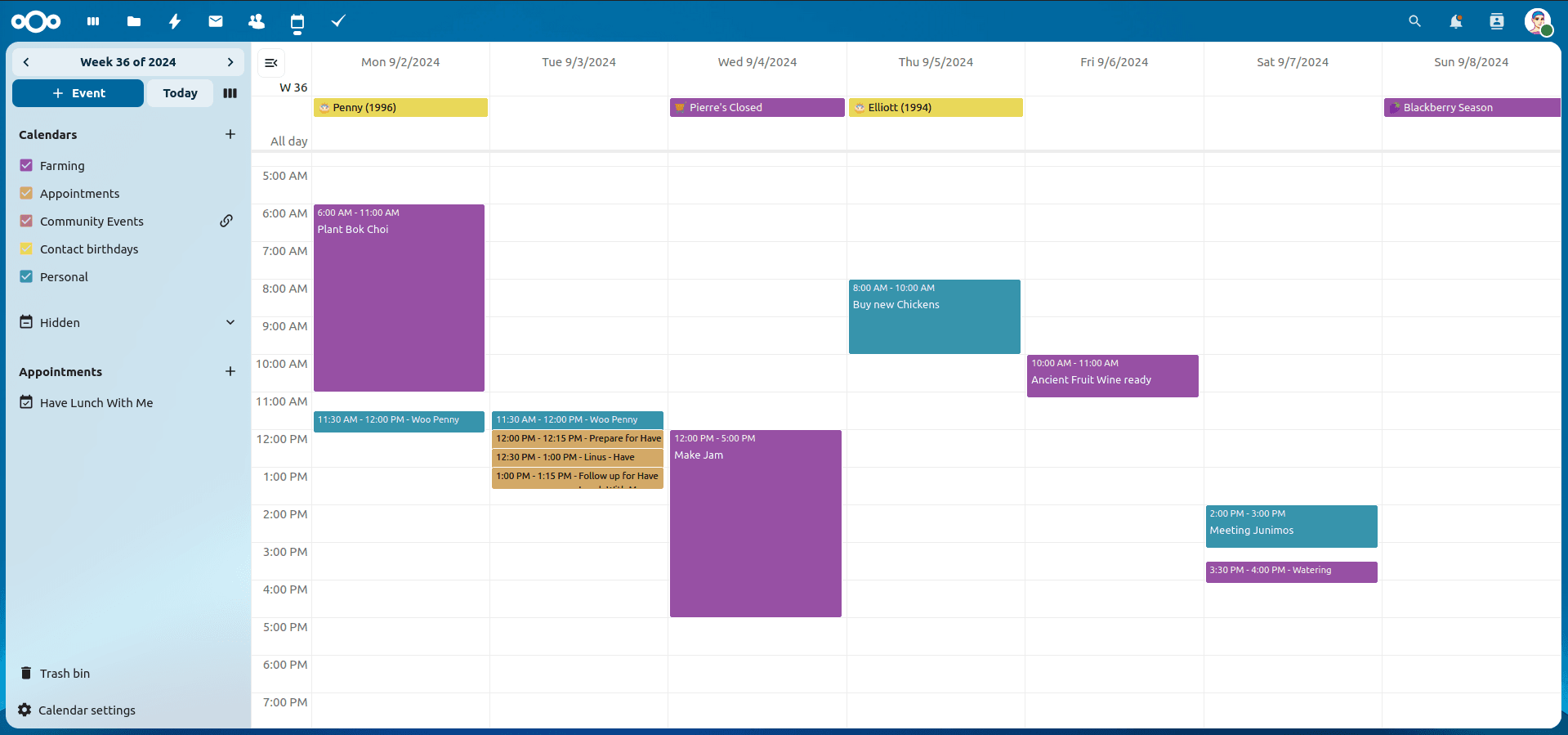
Nextcloud Kalender – Die wichtigsten Funktionen im Überblick
Der Nextcloud-Kalender ermöglicht dir eine einfache und datenschutzfreundliche Organisation von Terminen, Meetings und Ressourcen. Im Folgenden stellen wir dir die zentralen Funktionen vor, die deine tägliche Zusammenarbeit erleichtern.
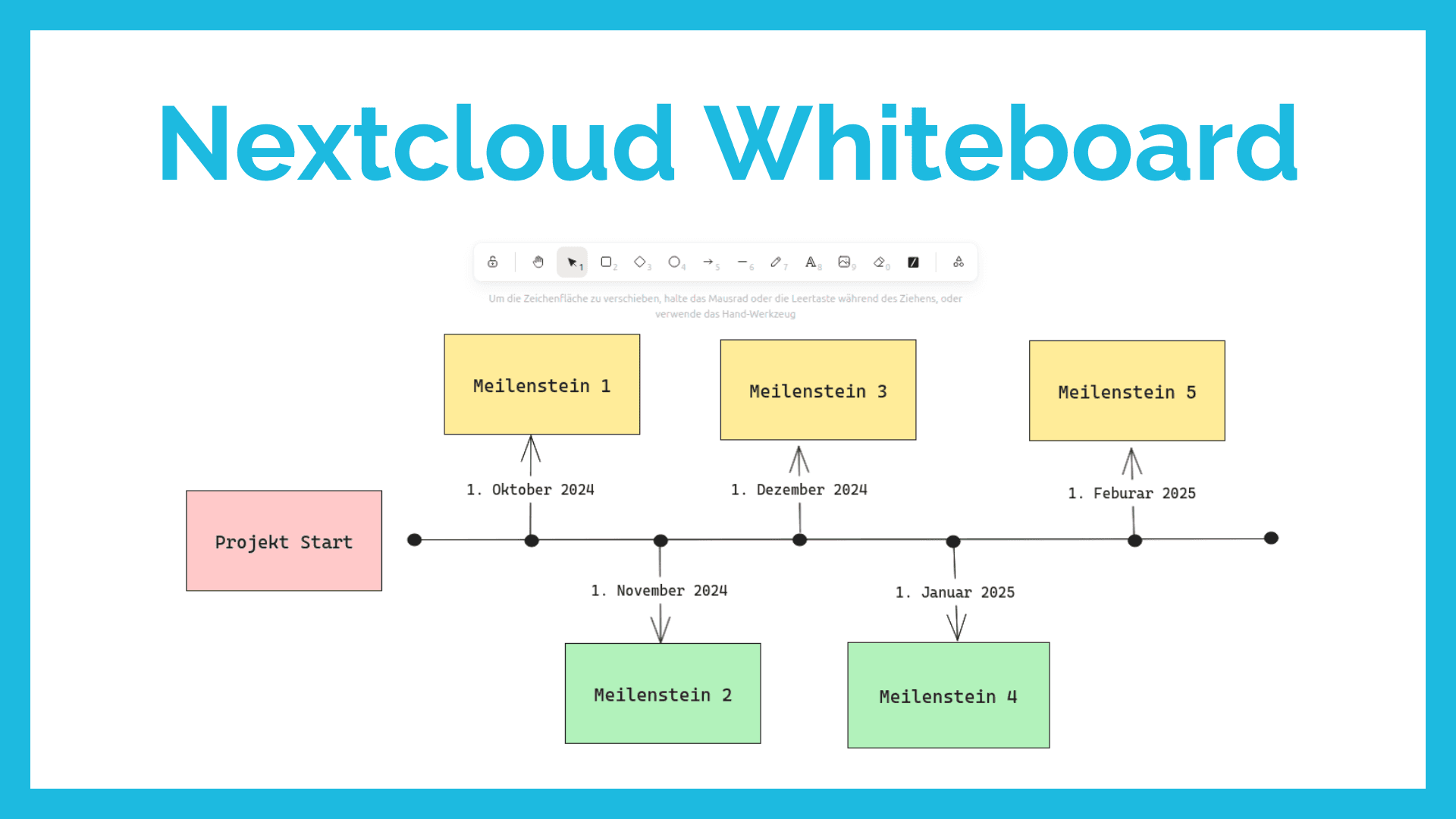
Nextcloud Whiteboard - Creative Work in the Cloud
Whether brainstorming in a team, sketching new ideas, or creating an overview - with Nextcloud Whiteboard you can work creatively in the cloud. This article introduces the app and shows its most important features.
Paperless-ngx: OAuth2 für Microsoft 365 einrichten
Paperless-ngx kann Anhänge aus E-Mail-Postfächern automatisch verarbeiten. Damit dies auch mit einem Microsoft 365 Konto funktioniert, müssen einige Einstellungen vorgenommen werden. In diesem Artikel zeigen wir, was zu tun ist, damit die Anbindung funktioniert.